Uptime Monitoring vs Storefront Journey Monitoring: What Shopify Merchants Actually Need
Uptime Monitoring vs Storefront Journey Monitoring: What Shopify Merchants Actually Need
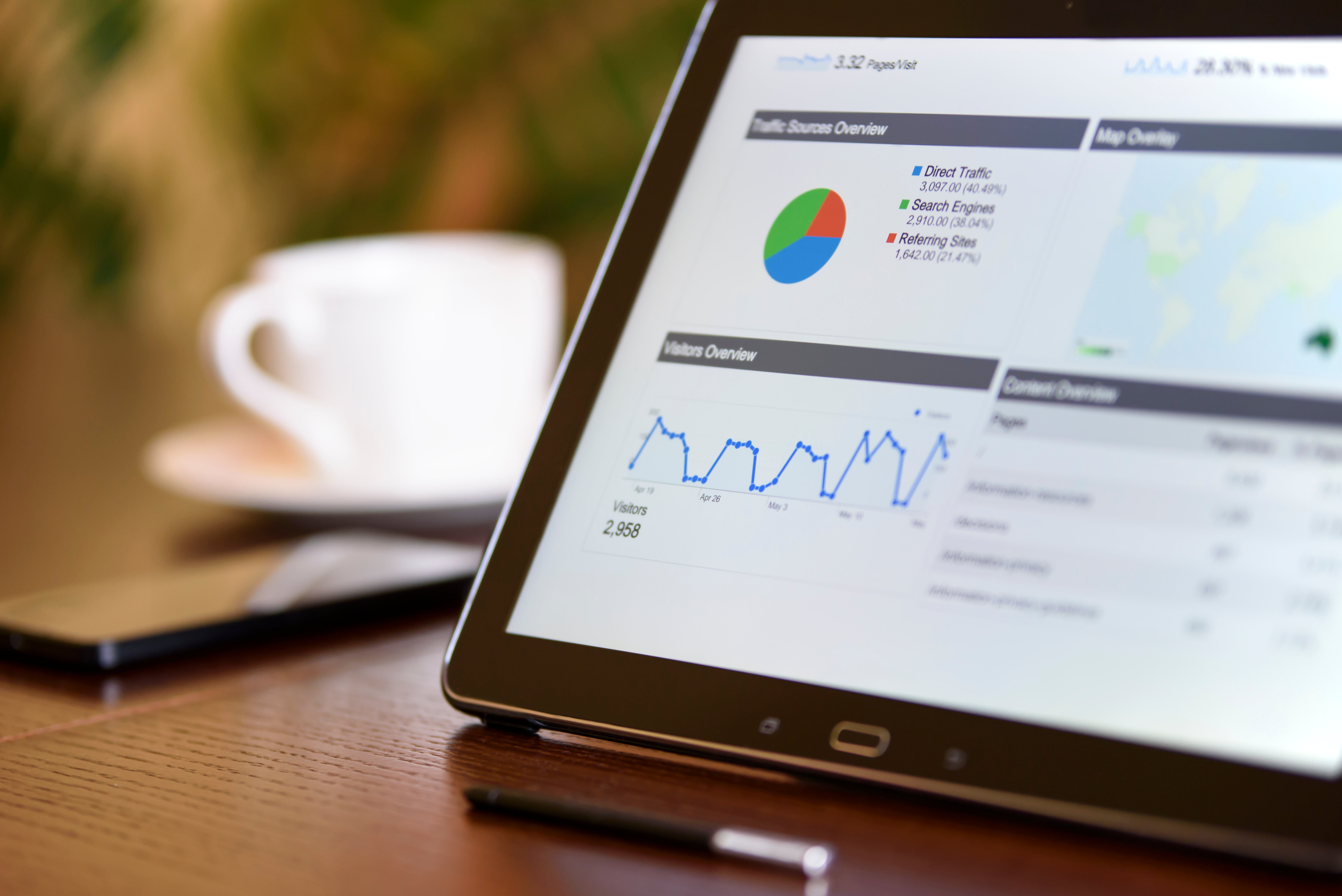
If your Shopify store loads, it's working — right? That's the assumption behind traditional uptime monitoring, and it's the assumption that quietly costs merchants real revenue every week. A homepage can return a perfect 200 OK status code while the Add to Cart button silently fails, the checkout rejects discount codes, or the mobile menu refuses to open. Uptime monitoring sees a healthy store. Customers see a broken one.
That gap is exactly why storefront journey monitoring has become essential for serious Shopify merchants. In this guide we'll break down the difference between uptime monitoring and storefront journey monitoring, what each one actually catches, and how to decide which layers of protection your store needs.
What Uptime Monitoring Actually Does
Uptime monitoring is the original form of website monitoring. A service pings your store's URL at a set interval — every minute, every five minutes — and checks whether the server responds. If the response is a 200 status code, your store is considered "up." If it's a 500 error or a timeout, you get alerted.
This is genuinely useful for catching catastrophic events: a full Shopify outage, a DNS misconfiguration, an SSL certificate that expired overnight. For those scenarios, uptime monitoring works exactly as advertised.
What Uptime Monitoring Misses
The problem is that almost every revenue-impacting issue on a Shopify store doesn't look like downtime. It looks like a page that loads perfectly but no longer functions correctly. Consider how often these happen:
A theme update breaks the variant selector on product pages
An app uninstall leaves orphaned code that blocks the cart drawer
A new shipping rule rejects checkout for certain regions
A third-party review widget causes JavaScript errors that prevent Add to Cart
A discount code stops applying because of a configuration change
Collection filters return zero results due to a metafield change
In every one of these cases, an uptime monitor sees a 200 OK response and reports your store as healthy. Meanwhile, conversions quietly drop, support tickets pile up, and you find out from a frustrated customer email — or from a weekly sales report — that something has been broken for days.
What Storefront Journey Monitoring Does Differently
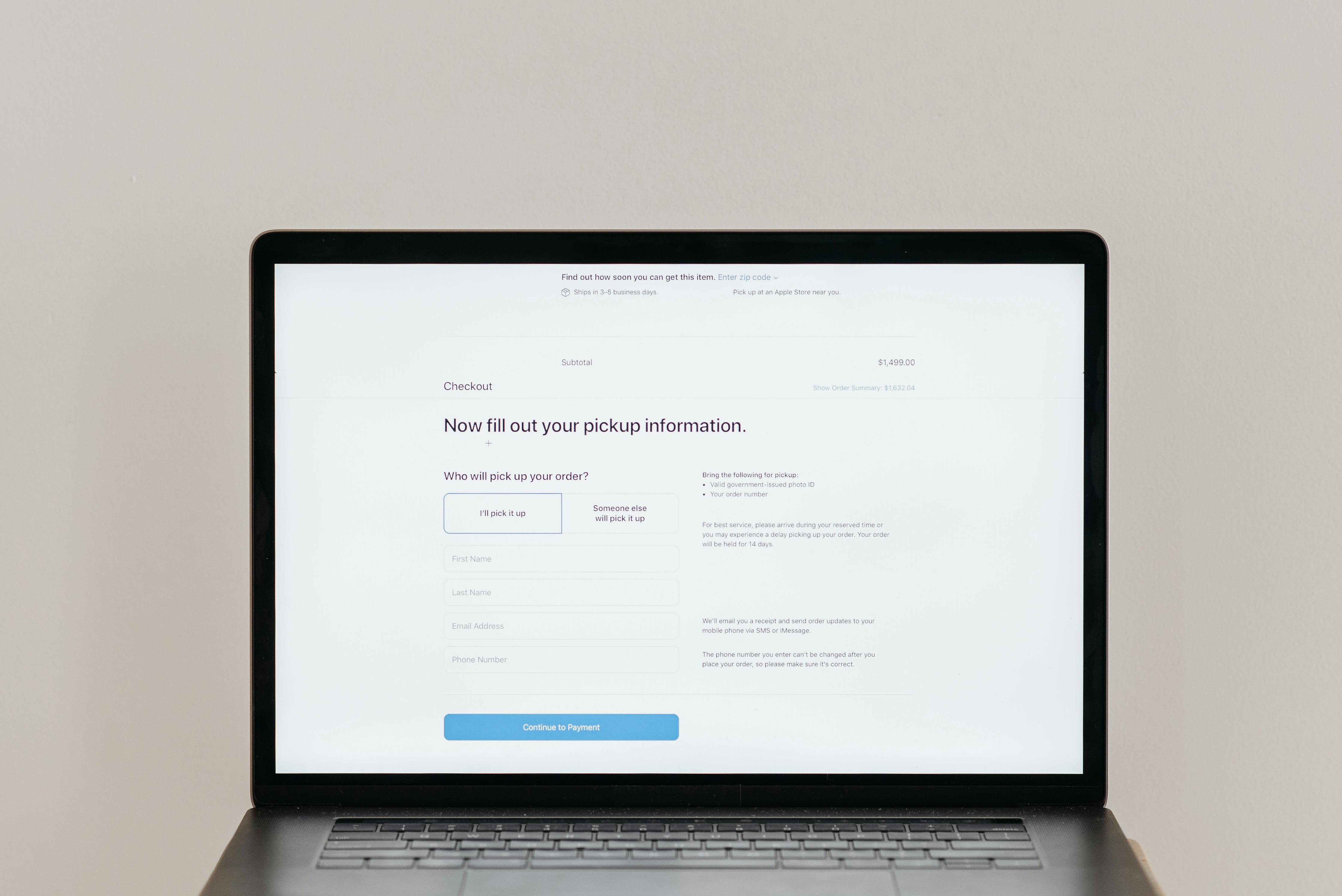
Storefront journey monitoring takes a fundamentally different approach. Instead of asking "did the page respond?", it asks "can a real customer actually complete the actions that make you money?"
It does this by running automated test flows that simulate the exact behaviour of a shopper. A test flow might open the homepage, click into a collection, apply a filter, select a product, choose a variant, add it to the cart, open the cart drawer, proceed to checkout, and verify each step worked. If any single interaction fails — a button that no longer renders, a form field that throws an error, a redirect that loops — the flow flags it.
The Critical Journeys Worth Monitoring
For most Shopify merchants, the high-value flows to verify continuously include:
Checkout — the single most important flow on your store
Add to cart and cart editing — including quantity selectors and quick-add buttons
Search — both standard and predictive search
Collection filtering and sorting
Mobile navigation — menus, drawers, and overlays
Product image galleries and variant switching
These are the journeys where small breakages cause large revenue losses, and they're the journeys uptime monitoring will never detect issues in.
Why This Matters More for Shopify Specifically
Shopify storefronts are unusually dynamic compared to other ecommerce platforms. Themes are customised, apps inject scripts, sections get added and removed, and Liquid templates can be edited at any time. Every change is an opportunity for something to break in a way that's invisible from the outside.
Theme Changes
Editing a theme — even a tiny change to a snippet — can cascade into broken behaviour on pages you didn't touch. A developer adjusts the product template, and three weeks later you notice cart conversion is down because the dynamic checkout button stopped rendering on certain variants.
App Changes
Every app you install or remove modifies your store's front-end code. An app that handles upsells, reviews, currency conversion, or subscriptions can introduce JavaScript conflicts that silently disable other features. Uninstalling an app rarely cleans up everything it added.
Shopify Platform Changes
Shopify itself ships updates constantly. Most are invisible. Occasionally, a change to checkout extensibility, customer accounts, or markets behaviour causes unexpected ripple effects on customised stores.
None of these scenarios trigger an uptime alert. All of them are exactly what storefront journey monitoring is designed to catch.
How the Two Approaches Complement Each Other

This isn't really a versus situation. Uptime monitoring and storefront journey monitoring solve different problems, and a mature monitoring setup uses both.
Uptime monitoring is your smoke alarm for total outages. Storefront journey monitoring is your continuous quality check for the experiences that actually generate revenue. Layer them together and you cover both ends of the spectrum: catastrophic failures and the much more common silent regressions.
The best setups also include broken link scanning to catch 404s before customers hit them, monitoring of Shopify and the third-party services your store depends on, and AI-assisted diagnosis so that when a test flow does fail, you understand what broke and how to fix it without spending an hour debugging.
Choosing the Right Monitoring Layers for Your Store
If you're running a low-volume store with a stock theme and minimal apps, basic uptime monitoring may be enough for now — but the moment you start customising, installing apps, or running paid campaigns, the cost of a silent breakage rises sharply.
Ask yourself a few practical questions:
How often does your theme or app stack change?
How much would an hour of broken checkout cost you?
How quickly would you currently notice if Add to Cart stopped working on mobile?
Do you run campaigns where traffic spikes matter, and breakages would be expensive?
If any of those answers make you uncomfortable, you're operating with more risk than uptime monitoring alone can cover.
Protect the Journeys That Actually Drive Revenue
Shoptest is built specifically for this gap. It runs automated test flows across the customer journeys that matter most — checkout, cart, search, navigation, filtering, and more — and combines that with Shopify and third-party service monitoring, broken link tracking, and AI-assisted failure diagnosis so you know what broke and why.
If you've been relying on uptime alerts and gut feel to know whether your storefront is healthy, it's worth seeing what continuous journey monitoring actually catches. Try Shoptest on your store and find out what your current monitoring has been missing.