How to Protect Your Shopify Checkout After a Theme Update

How to Protect Your Shopify Checkout After a Theme Update
Theme updates are one of the most common causes of silent revenue loss on Shopify. A small CSS tweak, a refactored section, or a new app integration can quietly break the add-to-cart button, the variant selector, or the path from product page to checkout — and you may not notice until conversions drop or a customer emails support. If you want to protect your Shopify checkout after a theme update, you need a structured verification process, not a quick manual click-through.
This guide walks through exactly how to do that: what to test, how to monitor, and how to catch regressions early so a theme release never costs you a weekend of sales.
Why Theme Updates Break Checkout More Often Than You Think
Modern Shopify themes are deeply intertwined with apps, custom blocks, metafields, and conversion-rate optimization scripts. Every time you push a theme change — whether it's a small merchandising edit or a full redesign — you're potentially affecting:
Cart drawer behavior and AJAX calls
Variant pickers and quantity selectors
Discount code fields and gift card inputs
Express checkout buttons (Shop Pay, Apple Pay, Google Pay)
Shipping calculator widgets
Third-party upsell, bundling, and subscription apps
Most of these break in subtle ways. The page still loads. The button still appears. But clicking it does nothing — or worse, the cart appears empty when the customer reaches checkout. These are the failures that erode conversions without throwing visible errors.
Build a Pre-Launch Checklist for Every Theme Update
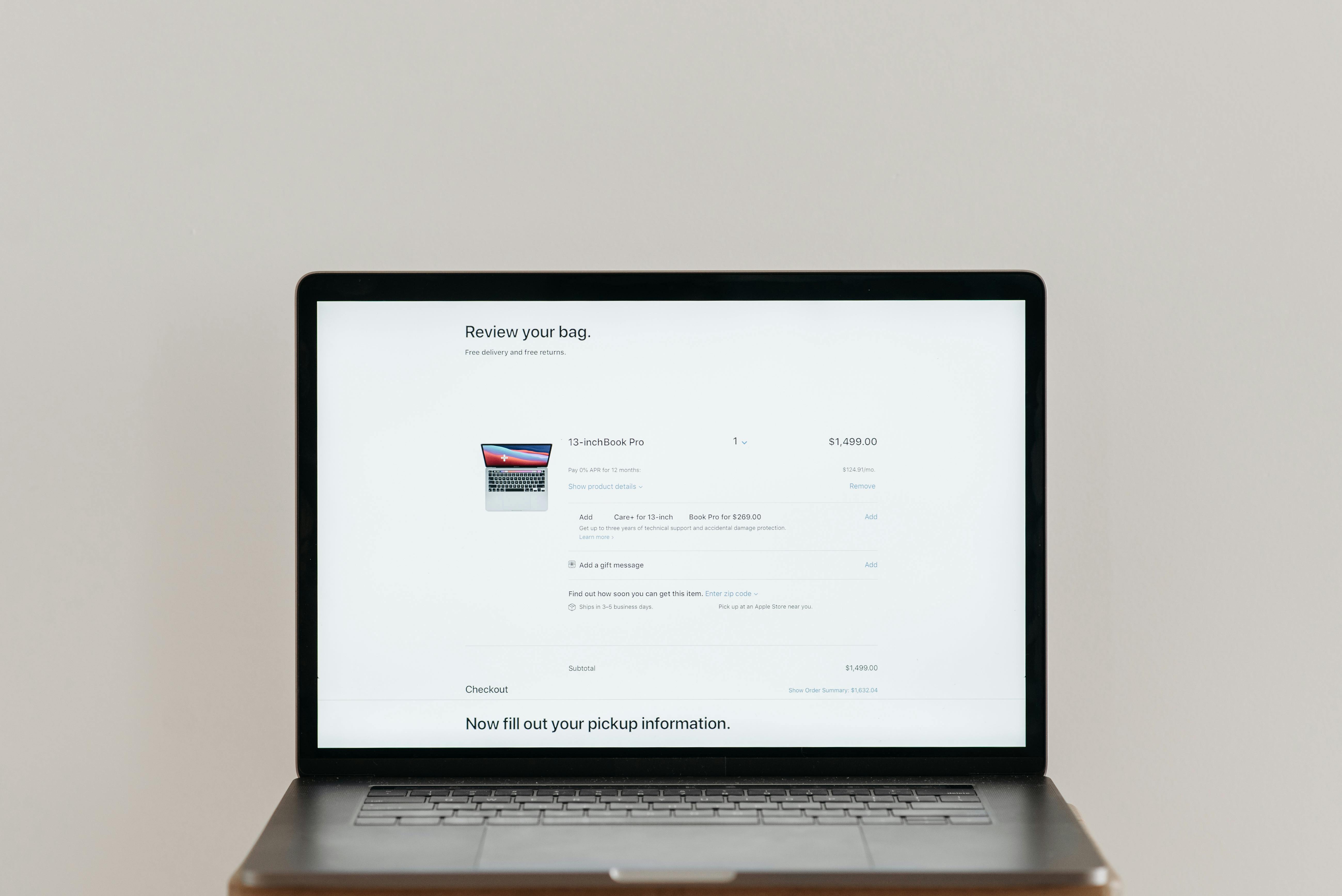
Before publishing any theme change, run through a structured pre-launch checklist. Manual QA still has its place, but it should be focused and repeatable.
Critical Customer Journeys to Verify
At minimum, verify these revenue-critical flows on both desktop and mobile:
Product to cart: Select a variant, change quantity, add to cart
Cart to checkout: Edit quantities, apply a discount code, proceed to checkout
Search and navigation: Header search, collection filters, mega menu links
Quick add and upsells: Any modal or drawer-based add-to-cart
Express checkout: Shop Pay, Apple Pay, and Google Pay buttons render and trigger correctly
Don't Forget Edge Cases
The flows that break most often are the ones merchants rarely click through manually: out-of-stock variants, sold-out collections, mobile navigation, image galleries with multiple media types, and quantity selectors with min/max rules.
Move From Manual QA to Automated Test Flows
Manual QA doesn't scale. If you're updating a theme weekly — or running an agency with dozens of client stores — clicking through every flow on every change is unrealistic. This is where automated test flows come in.
Shoptest lets you build automated tests that simulate real shopper journeys: checkout walkthroughs, search queries, cart edits, mobile navigation, image gallery interactions, collection filtering, and quick add-to-cart actions. Once configured, these tests run continuously and verify the parts of your store that matter most for revenue.
The benefit isn't just saved time. It's continuous verification — the confidence that even if you didn't manually test a flow after pushing a theme change, an automated check is watching it for you.
What to Automate First
If you're starting from scratch, prioritize in this order:
Checkout flow (product → cart → checkout)
Add-to-cart on top-selling products
Search and primary navigation
Mobile-specific flows (drawer cart, hamburger menu)
Promotional or campaign-specific landing pages
Monitor Shopify and Third-Party Apps Continuously

A theme update doesn't have to be the only trigger for a checkout failure. Sometimes the theme is fine, but a third-party app pushes its own update that conflicts with your layout. Sometimes Shopify itself has an incident affecting a region or a specific feature.
That's why theme-change confidence requires more than a one-time test. You need ongoing monitoring of Shopify status and the third-party apps that matter to your storefront — review widgets, subscription apps, bundle builders, loyalty programs, and any script injecting into your checkout adjacent flows.
Shoptest's monitoring layer keeps an eye on Shopify and selected services so when something goes sideways, you know whether it's your theme, your app stack, or a platform issue.
Catch Broken Links and 404s Before Customers Do
Theme updates often shuffle URLs, rename collections, or remove pages. The result: broken internal links, missing product images, and 404s that hurt SEO and frustrate customers. A scheduled broken-link scan after every theme push catches these issues before they become support tickets.
Run a broken-link sweep as part of your post-launch checklist. It's a low-effort step that surfaces high-impact problems — orphaned pages, dead navigation links, and crawl-detected issues that manual QA almost always misses.
Use AI-Assisted Diagnosis When Something Breaks
Even with strong testing, things will fail. The question is how fast you can diagnose and fix the issue. Traditional debugging means digging through theme code, app settings, and browser consoles. That can take hours.
When a Shoptest test flow fails, AI-assisted diagnosis explains what broke and where — was it a missing selector, a JavaScript error, a timeout, a layout shift? The AutoFix workflow can attempt to update the test and verify the repair, dramatically reducing the time between failure and resolution.
For technical teams, this means faster investigation and clearer signal. For non-technical merchants and agency account managers, it means understanding the problem without needing to read a stack trace.
Build a Repeatable Theme-Update Workflow
Pulling it all together, your post-theme-update workflow should look something like this:
Before publishing: Run automated test flows against your staging or preview theme
At publish: Trigger a fresh round of checkout and cart verification
Within the first hour: Run a broken-link scan and confirm monitoring shows green
Ongoing: Let continuous test flows watch revenue-critical paths 24/7
On failure: Use AI diagnosis to triage quickly and apply fixes
This rhythm transforms theme updates from a stressful event into a routine, low-risk operation.
Protect Your Checkout, Protect Your Revenue
Every theme update is a potential conversion risk. The merchants and agencies that handle them best aren't the ones who avoid changes — they're the ones who've built proactive systems to catch issues early. Automated test flows, continuous monitoring, broken-link tracking, and AI-assisted diagnosis turn theme updates from a gamble into a controlled process.
If you want to protect your Shopify checkout after every theme update — without expanding your QA team or losing nights to manual testing — Shoptest gives you the four protection layers your store needs. Try Shoptest and start verifying your most critical customer journeys today.