How to Monitor Your Shopify Store for Issues 24/7 Without Hiring a QA Team
How to Monitor Your Shopify Store for Issues 24/7 Without Hiring a QA Team
Every Shopify merchant has had that sinking feeling. You log into your store on a Monday morning, glance at the weekend's sales, and realize something looks off. Conversions dipped. Support tickets piled up. And somewhere along the line, a checkout button stopped working, a product image broke, or a third-party app pushed an update that quietly took down your search bar.
The reality is that storefronts are constantly changing. Themes get updated, apps get installed, merchandising shifts, and Shopify itself ships changes in the background. For a small or growing merchant, hiring a full-time QA team to babysit all of this isn't realistic. But neither is hoping nothing breaks. The good news: you can monitor your Shopify store around the clock without adding headcount — if you approach it the right way.
Why 24/7 Storefront Monitoring Matters More Than Ever
Shopify stores aren't static websites. They're living systems made up of themes, apps, payment gateways, shipping integrations, inventory feeds, and customer-facing flows that all need to work together. When one piece changes, others can quietly break.
Manual spot-checking — clicking through your own store every few days — used to be enough. Today, with most stores running a dozen or more apps and frequent theme tweaks, manual QA simply cannot keep up. Issues that go undetected for even a few hours during peak traffic can cost real revenue and erode customer trust.
The Hidden Cost of Undetected Issues
When checkout breaks for mobile users on a Friday night, you may not know until Monday. When a discount code stops applying after a theme update, you might only find out from a frustrated email. These aren't edge cases — they're the everyday reality of running a modern Shopify store. Continuous monitoring closes that gap between an issue happening and you finding out about it.
What 24/7 Monitoring Actually Looks Like
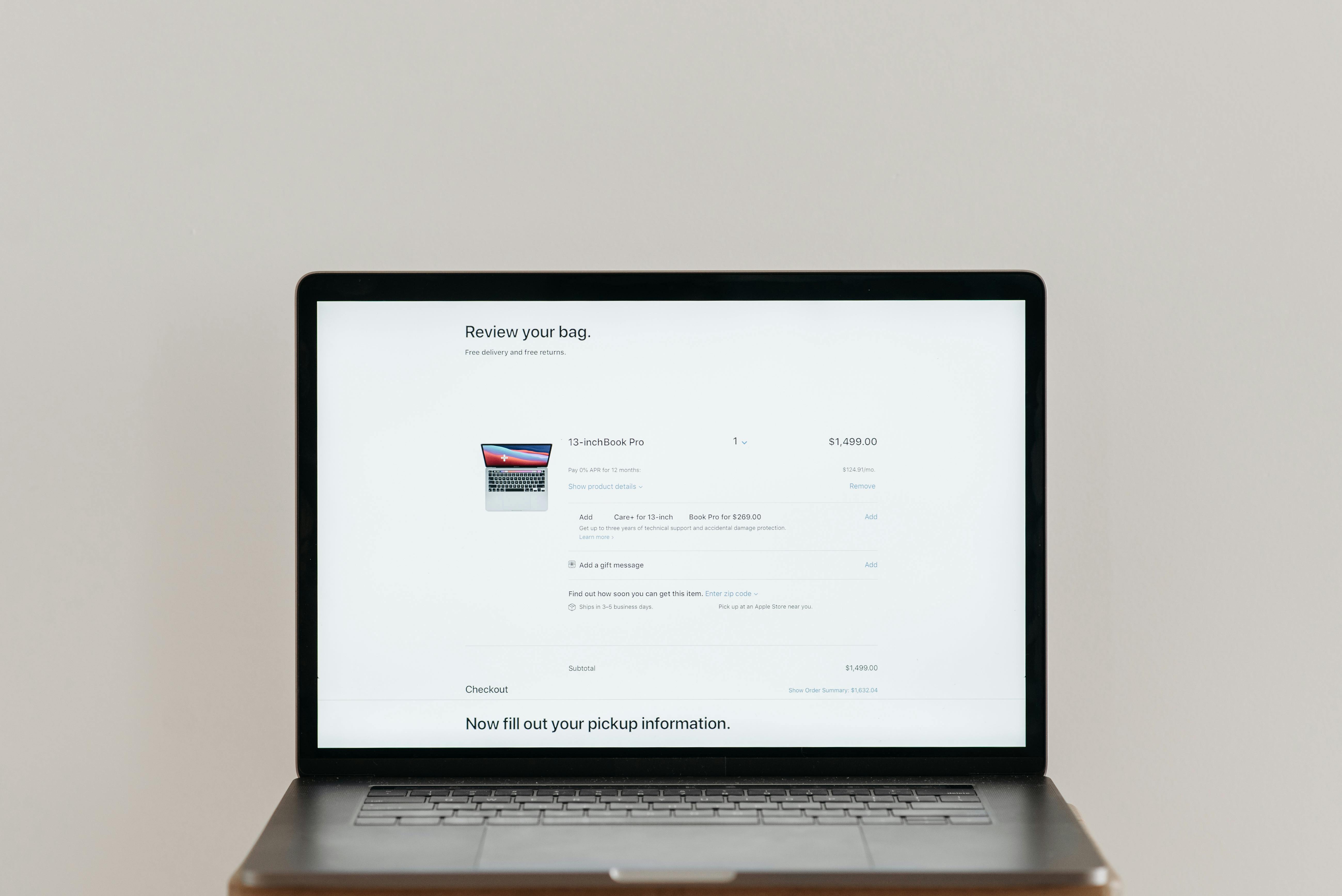
True around-the-clock monitoring isn't one tool or one tactic. It's a layered approach that covers the different ways your store can fail. Here's what a strong setup includes.
Automated Test Flows for Critical Customer Journeys
The most important thing to monitor isn't your homepage uptime — it's whether real shoppers can actually complete a purchase. That means automated tests that simulate critical customer journeys end to end:
Adding products to cart
Editing quantities
Applying discount codes
Completing checkout
Using search and collection filters
Navigating on mobile
Browsing product image galleries
When these flows run on a schedule — every few hours, or even more frequently — you get continuous verification that the revenue-critical parts of your store still work. If something breaks at 2 a.m., you know about it by morning, not from an angry customer.
Shopify and Third-Party App Monitoring
Most stores rely on a stack of apps: reviews, upsells, subscriptions, shipping, loyalty, analytics. Each one is a potential point of failure. Monitoring Shopify itself plus the third-party services that matter most to your storefront means you get early warnings when an upstream issue is affecting your customers — even if your theme code is perfectly fine.
Broken Link Tracking
Broken links quietly damage SEO, ad performance, and the customer experience. A scheduled broken-link scan catches 404s before Google does, and before a customer clicks an ad and lands on a dead page. This is the kind of housekeeping no one wants to do manually, but it pays off every time.
AI-Assisted Failure Diagnosis
Detection alone isn't enough. When a test fails, you need to know what broke and what to do about it. AI-assisted diagnosis takes the failure data — screenshots, page state, error context — and translates it into something actionable. Instead of a cryptic alert that says "checkout test failed," you get an explanation of what changed and where to look first. That's the difference between a five-minute fix and a two-hour investigation.
How to Set This Up Without a QA Team
You don't need engineers or testers on staff to get this running. Modern storefront monitoring platforms are designed for merchants who want results without complexity.
Step 1: Identify Your Revenue-Critical Flows
Start by listing the customer journeys that, if they broke, would directly cost you sales. For most stores that's: add to cart, checkout, search, collection filtering, and discount code application. Don't try to test everything on day one — focus on the flows tied to revenue.
Step 2: Schedule Continuous Test Runs
Once your test flows are set up, schedule them to run continuously. Hourly is great for high-traffic stores; a few times a day works for smaller catalogs. The point is that you're not waiting for a customer to surface the issue.
Step 3: Connect Alerts to Where You Actually Work
Alerts that pile up in an unmonitored inbox are useless. Route notifications to Slack, email, or wherever your team actually pays attention. Make sure the alerts include enough context — what failed, when, on what device — so you can act fast.
Step 4: Layer in App and Link Monitoring
Once your test flows are running, layer in Shopify and app status monitoring plus scheduled broken-link scans. These act as your second line of defense, catching issues that don't show up in a single test run.
What This Replaces (and What It Doesn't)

A monitoring setup like this dramatically reduces the manual QA burden. Instead of clicking through your store hoping nothing's broken, you get proactive issue detection that runs whether you're working, sleeping, or on vacation. It gives you the operational confidence to roll out theme changes, install new apps, or run big campaigns without holding your breath.
It doesn't replace good development practices, and it won't guarantee zero downtime. What it does do is shorten the time between an issue happening and you knowing about it — often from days to minutes. For most merchants, that gap is where revenue is lost.
Monitoring Pays Off Most During the Moments That Matter
The real value of 24/7 monitoring shows up during the moments where you can't afford to be reactive: Black Friday, a product launch, a paid campaign, a theme migration. These are the times when undetected issues cost the most — and when manual checking is least practical because you're focused on everything else.
Continuous verification means you can run those campaigns and changes with operational confidence, knowing that if something breaks, you'll hear about it before your customers do.
Protect Your Store Without Adding Headcount
You don't need a QA team to catch storefront issues early. You need the right layers of automated testing, monitoring, and diagnosis working quietly in the background. That's exactly what Shoptest is built for — helping merchants protect critical customer journeys with automated test flows, app and link monitoring, and AI-assisted failure diagnosis.
If you're tired of finding out about broken checkouts from customer emails, take a look at how Shoptest can give your store 24/7 protection without the overhead of a dedicated QA team. Your future Monday mornings will thank you.