How to Find and Fix Broken Links on Your Shopify Store Before They Hurt Sales

How to Find and Fix Broken Links on Your Shopify Store Before They Hurt Sales
Every broken link on your Shopify store is a quiet revenue leak. A shopper clicks an out-of-stock collection link in your navigation, lands on a 404, and disappears. A returning customer follows an email campaign to a product you renamed last week and never sees the offer. A Google bot crawls an old URL, finds nothing, and quietly downgrades your SEO authority.
The frustrating part? Broken links on your Shopify store rarely announce themselves. They accumulate slowly as you rename products, retire collections, swap themes, install and uninstall apps, and run seasonal campaigns. By the time you notice them — usually because a customer complains or sales dip — they've already cost you orders.
This guide walks merchants through how to find broken links, fix them properly, and build a system that catches new ones before they hurt revenue.
Why Broken Links Hurt Shopify Sales More Than You Think
Broken links don't just frustrate shoppers — they compound across every channel you rely on.
Lost conversions
A 404 page is a dead end in the buying journey. Even if your design includes a friendly message, most shoppers won't search again. They'll bounce. If that link sat in your main navigation, an email blast, or a Meta ad, multiply that loss by every click.
SEO damage
Search engines treat broken internal links as a sign of low-quality maintenance. Crawl budget gets wasted on dead URLs, link equity stops flowing through your site, and rankings for critical product pages can slip — especially during peak shopping seasons when you need visibility most.
Eroded trust
Shoppers equate broken experiences with unreliable stores. One 404 might be forgiven; two or three in the same session signals "this brand doesn't have its act together" — and that perception drives them straight to a competitor.
Where Broken Links Tend to Hide on Shopify Stores
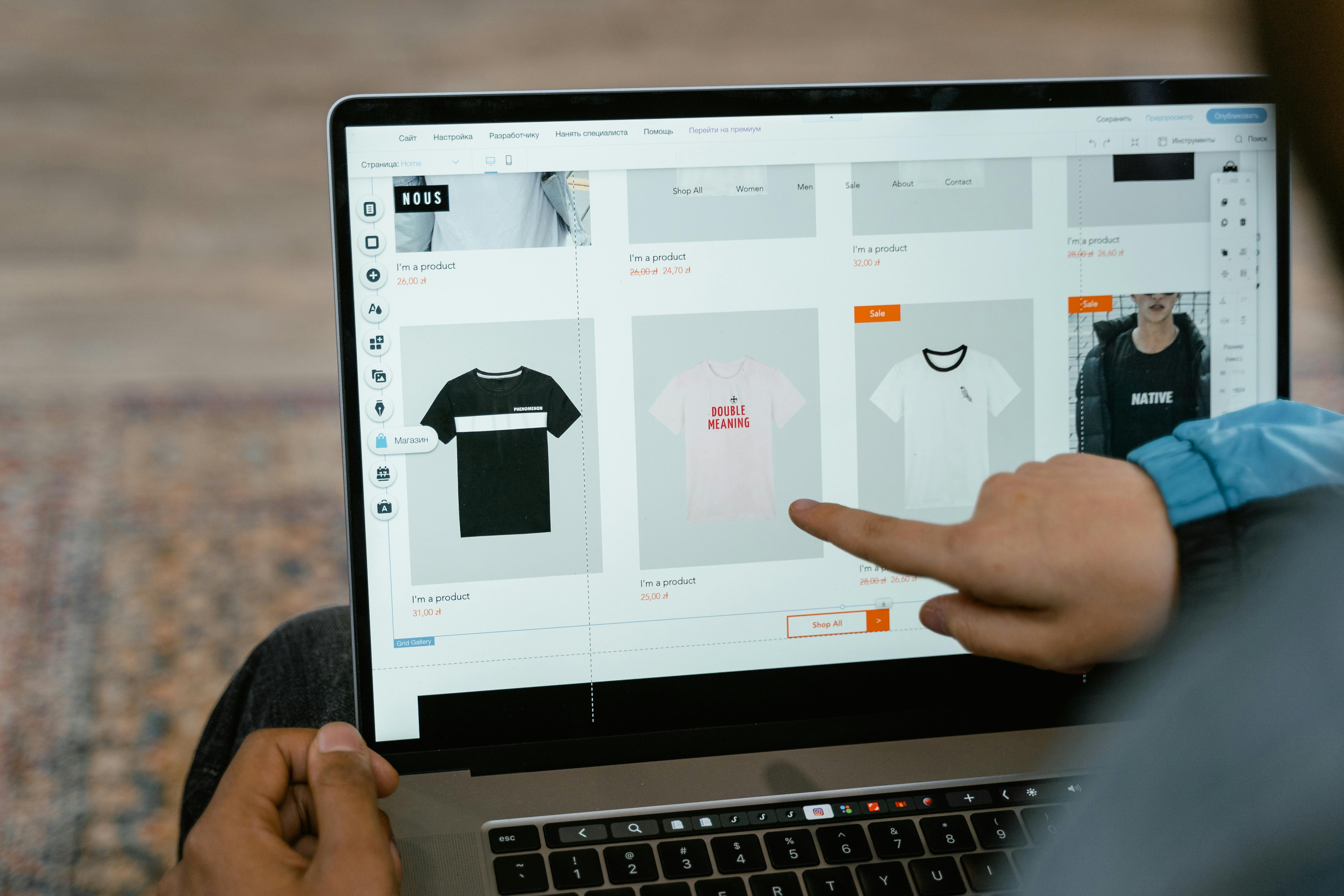
Knowing where to look is half the battle. Based on what we see across merchant stores, broken links cluster in a few predictable places:
Navigation menus — collections that were renamed, deleted, or restructured but still linked from the header or footer
Product descriptions — internal links between related products, where one product was removed or its handle changed
Blog posts — older content linking to retired collections, discontinued products, or external resources that have since moved
Theme code — hard-coded URLs from a previous theme version or migration
App-injected content — banners, popups, recommendation widgets, and review modules referencing outdated URLs
Marketing emails and ads — campaign links pointing to URLs that have since changed handle structures
Image and CDN references — broken media that creates a poor visual experience even when the page itself loads
How to Find Broken Links on Your Shopify Store
There are several ways to surface broken links, ranging from manual checks to continuous automated scanning.
Manual spot checks
Click through your main navigation, footer, featured collections, and recent blog posts. This catches the most visible issues but misses everything buried in product descriptions, older content, or theme code. It's also time-consuming and easy to deprioritize when you're busy running promotions or fulfilling orders.
Google Search Console
Search Console reports crawl errors and 404s that Google has encountered. It's free and useful, but it's reactive — by the time Google flags a URL, real shoppers have already hit the broken page. It also won't catch links in checkout flows, gated pages, or recently added content.
Third-party crawlers
Tools like generic site crawlers can scan your entire store and report 404s. They work, but they require setup, manual triggering, and interpretation. Most merchants run them once, fix what they find, then forget — and links break again.
Continuous automated broken-link tracking
The most reliable approach is scheduled scanning that runs continuously in the background. This is exactly what Shoptest's broken-link tracking is built for: manual or scheduled scans that catch 404s and crawl-detected issues across your storefront, so problems surface before customers find them. Combined with test flows that verify critical journeys still work, you get full visibility into both link health and functional health.
How to Fix Broken Links the Right Way

Finding broken links is step one. How you fix them determines whether you recover the lost traffic or lose it forever.
1. Set up 301 redirects for changed URLs
Whenever you rename or delete a product, collection, or page, create a 301 redirect from the old URL to the closest relevant replacement. Shopify makes this straightforward under Online Store > Navigation > URL Redirects. A 301 preserves SEO value and routes shoppers to a useful destination.
2. Update internal links at the source
Redirects are a safety net, not a cure. Wherever possible, update the original link in your navigation, product copy, blog posts, or theme code to point to the correct URL directly. This keeps your site clean and your link equity flowing properly.
3. Replace, don't just delete
If a product is permanently gone, redirect to a relevant collection or a similar product rather than the homepage. Sending a shopper from a specific intent to a generic homepage drops conversion sharply.
4. Audit after every major change
Theme updates, app installations, collection restructures, and product catalog overhauls are the biggest sources of new broken links. Run a scan immediately after any of these to catch issues while they're fresh.
5. Fix media and asset links too
Don't forget broken images, missing PDFs, or videos that no longer load. These hurt the shopping experience even when the page itself returns a 200.
Building a System That Catches Broken Links Continuously
One-time audits aren't enough. Shopify stores change constantly — new products, retired SKUs, app swaps, theme tweaks, seasonal campaigns. Every change is a chance for something to break.
A sustainable approach combines three things:
Scheduled broken-link scans that run automatically, not just when you remember
Automated test flows covering critical journeys like search, navigation, product pages, cart, and checkout — so functional breaks are caught alongside link issues
Clear failure diagnosis so when something does break, you know what happened and how to fix it without spending hours investigating
This is the model Shoptest is built around: continuous verification of your storefront so issues surface before they cost you sales, with AI-assisted diagnosis to make fixes faster.
Protect Your Store Before the Next Broken Link Costs You a Sale
Broken links are one of the most preventable causes of lost Shopify revenue. The merchants who stay ahead aren't the ones who hunt down 404s manually every quarter — they're the ones who put proactive monitoring in place so problems get caught early, fixed fast, and never reach the customer.
If you want to see how automated broken-link tracking and storefront test flows can protect your store, explore what Shoptest can do for your Shopify business. A few minutes of setup today can prevent the kind of silent revenue leak that's hardest to spot — and most expensive to ignore.