What Is Shopify Storefront Monitoring and Why Every Merchant Needs It

What Is Shopify Storefront Monitoring and Why Every Merchant Needs It
You launched a theme update on Tuesday. By Thursday, sales were down 18%, and nobody could explain why. After hours of digging, the culprit turned up: a third-party review app had pushed an update that quietly broke the Add to Cart button on mobile product pages. Two days of lost revenue — and the only reason you found it was because a customer finally emailed support.
This is the silent tax most Shopify merchants pay every month. And it's exactly what Shopify storefront monitoring is designed to eliminate. In this guide, we'll explain what storefront monitoring really means, what it covers, and why it has quietly become as essential as your analytics stack.
What Is Shopify Storefront Monitoring?
Shopify storefront monitoring is the practice of continuously verifying that the customer-facing parts of your store actually work — not just that the site is online, but that real shopper journeys complete successfully. That includes checkout, search, cart editing, navigation, product galleries, filters, and every other interaction that stands between a visitor and a completed order.
Traditional uptime monitoring tells you whether your homepage returns a 200 response. Storefront monitoring goes much deeper. It simulates real shoppers, clicks real buttons, validates real flows, and alerts you when something behaves differently than it should. Think of it as continuous QA for the parts of your store that directly produce revenue.
How It's Different From Uptime Monitoring
An uptime monitor will happily report "all systems green" while your checkout silently fails on Safari, your search returns zero results because of a broken metafield, or a third-party app crashes the cart drawer on mobile. Storefront monitoring catches all of those scenarios because it tests the experience, not just the server.
Why Storefront Issues Are So Hard to Catch Manually
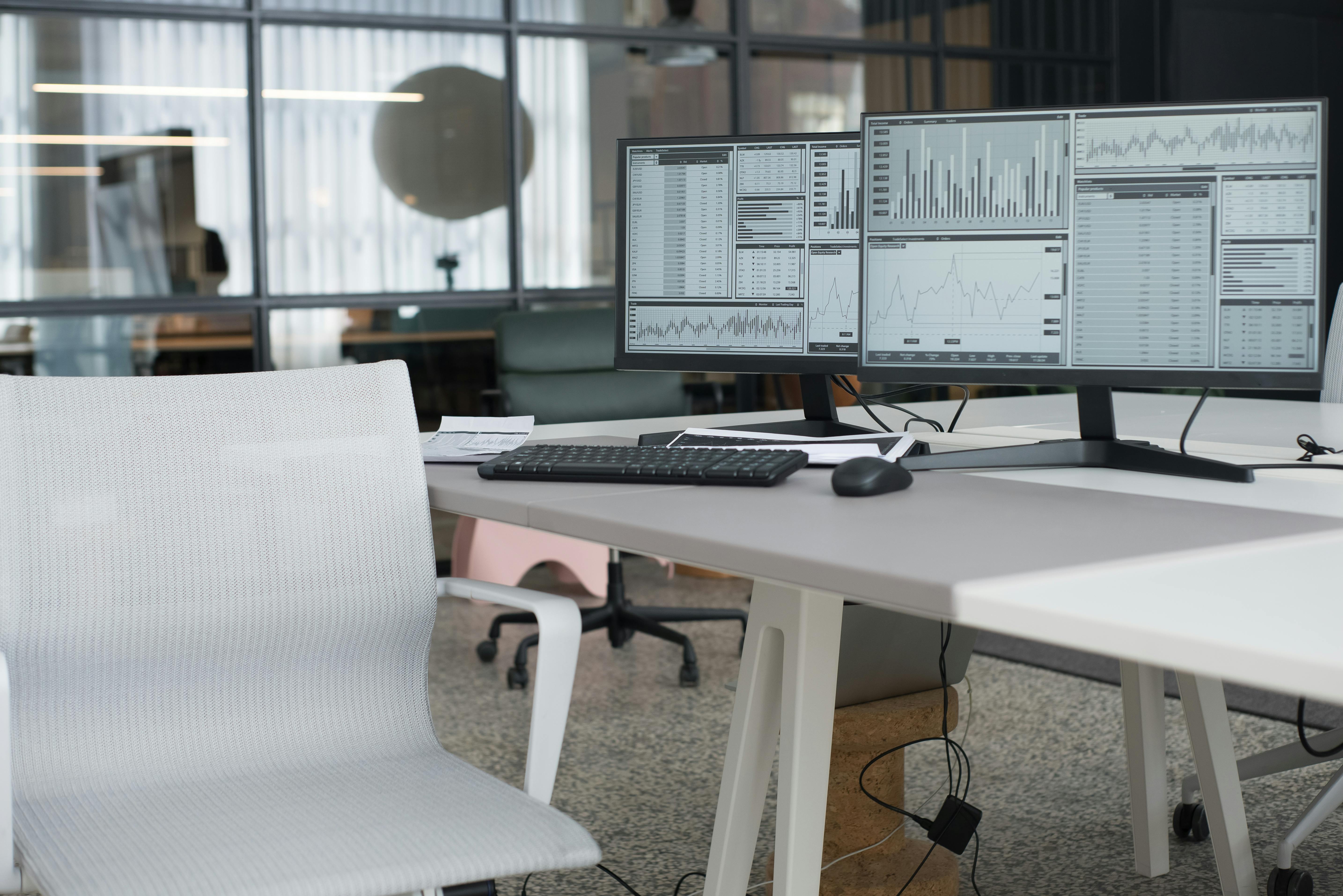
Most merchants assume they'd notice if something major broke. In reality, the modern Shopify stack makes that nearly impossible to police by hand.
Constant change: Themes, apps, scripts, and content update weekly — sometimes daily. Each change is a potential regression.
Device and browser fragmentation: A bug on iOS Safari may not appear on desktop Chrome, where you do most of your testing.
App interactions: Reviews, upsells, subscriptions, search, loyalty — apps interact with each other in unpredictable ways.
Silent failures: Broken filters, missing images, or 404s on key collection links rarely produce error messages. They just quietly cost you sales.
The result: most issues are discovered by customers, not merchants. By then, conversion has already taken a hit.
The Core Layers of Effective Storefront Monitoring
Strong monitoring isn't a single check — it's a set of overlapping protections that cover the journeys, services, and links your store depends on. Here's what good coverage looks like.
1. Automated Test Flows for Critical Journeys
The foundation is automated tests that mimic real shopper behavior across the journeys that matter most: checkout, search, cart updates, mobile navigation, product image galleries, collection filters, quantity selectors, and quick add. These run on a schedule, so if anything regresses, you know within minutes — not days.
2. Shopify and Third-Party App Monitoring
Your storefront isn't just Shopify. It's Shopify plus a stack of services — payment providers, search apps, review platforms, shipping calculators. Monitoring the health of those dependencies is just as important as monitoring your own pages, because when one of them hiccups, your conversion does too.
3. Broken Link Tracking
Broken links are the slow leak of ecommerce. Discontinued products, renamed collections, outdated campaign URLs, deleted blog posts — all of them quietly accumulate 404s that hurt SEO and frustrate shoppers. Scheduled broken-link scans surface these before customers stumble into them.
4. AI-Assisted Failure Diagnosis
Catching a failure is only half the battle. Understanding what broke and how to fix it is where most teams lose hours. AI-assisted diagnosis reads the failure context, explains the likely cause in plain language, and — when appropriate — can attempt to update the test and verify the repair automatically.
Why Every Merchant Needs Storefront Monitoring

Storefront monitoring isn't just a technical luxury for enterprise stores. It's a practical revenue protection tool for any merchant whose business depends on the store working correctly. Here's why it matters at every stage of growth.
Revenue Protection
Every minute your checkout is broken is revenue you'll never recover. Even small issues — a missing shipping option, a glitchy quantity selector — chip away at conversion in ways that don't show up in dashboards until weeks later. Continuous verification catches them while they still represent minutes of lost sales, not days.
Confidence After Theme and App Changes
Theme edits, app installs, and Shopify platform updates are the most common sources of storefront regressions. Monitoring gives you a safety net so you can ship changes faster, knowing that if anything important breaks, you'll hear about it immediately.
Less Manual QA, More Time on Growth
Most merchants do some version of manual checking — clicking through checkout after a deploy, eyeballing the cart on mobile, refreshing the homepage. It's slow, inconsistent, and easy to skip when you're busy. Automated monitoring replaces that ritual with reliable, around-the-clock coverage.
Campaign Readiness
Black Friday, product launches, paid traffic pushes — these are the moments when a broken funnel is most expensive. Going into a campaign with verified flows means every dollar of ad spend reaches a working store.
What to Look For in a Storefront Monitoring Tool
If you're evaluating options, here are the capabilities that separate real protection from superficial checks:
Real shopper-journey simulation, not just URL pings
Coverage of mobile and desktop, since shopper behavior differs significantly between them
Monitoring of Shopify and key third-party services your store relies on
Broken-link detection on a scheduled cadence
Clear failure diagnosis — ideally AI-assisted — so you don't waste hours debugging
Quick setup, because monitoring you never finish configuring protects nothing
Monitoring Is the New Standard for Serious Merchants
A few years ago, storefront monitoring was something only the largest Shopify Plus brands invested in. Today, with the average store running dozens of apps and pushing changes constantly, it has become a baseline expectation for any merchant who takes revenue seriously. The cost of a single missed checkout bug far outweighs the cost of continuous verification.
The merchants who treat their storefront like critical infrastructure — monitored, tested, and verified — are the ones who avoid the slow, painful surprises that everyone else absorbs as "just part of running an ecommerce store."
Protect Your Store With Shoptest
Shoptest brings all four layers of storefront monitoring — automated test flows, Shopify and app monitoring, broken-link tracking, and AI-assisted diagnosis — into a single Shopify app built specifically for merchants who care about revenue. If you've ever discovered a broken checkout days late, or wished you could ship theme changes without holding your breath, it's worth a look. Try Shoptest and see how much of your store you've been leaving unmonitored.