How to Stop Manually Testing Your Shopify Store After Every Change

How to Stop Manually Testing Your Shopify Store After Every Change
If your team is still manually testing your Shopify store after every theme tweak, app install, or merchandising update, you already know the pattern: someone ships a change, someone else clicks through checkout on desktop and mobile, a third person spot-checks the collection filters, and everyone hopes nothing slipped through. It works — until it doesn't. And when it doesn't, the cost is usually measured in lost orders, support tickets, and a frantic Slack thread on a Friday afternoon.
Manual QA made sense when storefronts were simple. Today's Shopify stores run on layered themes, dozens of apps, custom sections, third-party scripts, and constant promotional updates. Every one of those is a potential break point. This guide walks through how operators can move away from manually testing their Shopify store after every change — and toward a continuous verification model that protects revenue without burning out the team.
Why Manual QA Stops Working at Scale
Manual testing isn't wrong. It's just unsustainable once your store reaches a certain level of complexity or change velocity. Here's what tends to break first.
Change frequency outpaces human attention
If your team pushes theme updates weekly, swaps apps monthly, and refreshes campaigns constantly, manual QA becomes a bottleneck. Coverage shrinks to whatever someone can click through in 20 minutes — usually the homepage, a PDP, and checkout. Everything else gets skipped.
Regression risk hides in unexpected places
A new review app might quietly break the quantity selector. A theme update might shift how filters render on mobile. A pixel change might interfere with add-to-cart events. These aren't obvious to a tester who isn't specifically looking for them — and they often surface only after real customers hit them.
Manual checks can't run continuously
Even the best QA pass is a snapshot. It tells you the store worked at 2:14 PM on Tuesday. It says nothing about what happens at 3 AM when a third-party app pushes an update, or when a Shopify incident affects checkout in a specific region.
What Continuous Verification Looks Like Instead
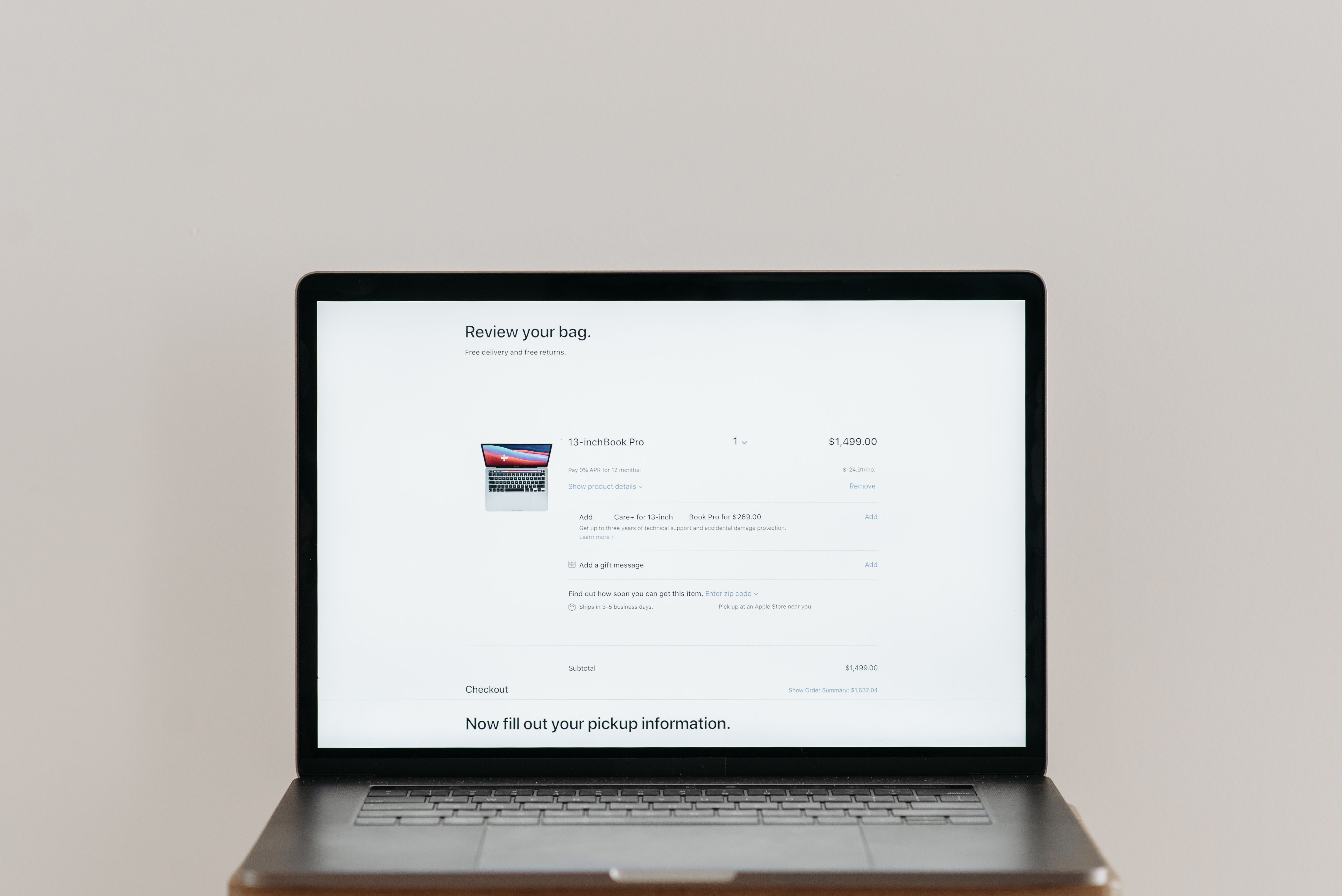
The alternative to manual QA isn't no QA. It's continuous, automated verification of the customer journeys that actually drive revenue. The shift looks like this:
From spot checks to scheduled runs — Critical flows are tested on a regular cadence, not when someone remembers.
From homepage clicks to journey coverage — Real shopper paths (search, filter, add to cart, edit cart, checkout) are validated end to end.
From reactive firefighting to proactive issue detection — You hear about a broken checkout from your monitoring, not from a customer email.
From tribal knowledge to documented coverage — Test flows become a living map of what the store needs to do.
The Critical Customer Journeys You Should Automate First
You don't need to automate everything on day one. Start with the journeys where failure costs the most.
Checkout
This is the obvious one. Any flow that prevents a customer from completing a purchase is an immediate revenue event. Automated checkout testing catches issues from broken shipping rates to misconfigured payment apps.
Search and collection filtering
If shoppers can't find products, they can't buy them. Search bugs and broken filters are surprisingly common after theme updates and merchandising changes — and they often go unnoticed because they don't throw obvious errors.
Cart editing and quantity changes
Quantity selectors, line-item edits, and cart drawer behavior break more often than teams expect, especially when bundling, subscription, or upsell apps are involved.
Mobile navigation and product galleries
Most Shopify traffic is mobile. If your hamburger menu, product image gallery, or quick-add behavior breaks on mobile, you're losing the majority of your audience without realizing it.
How to Replace Manual Shopify Testing Step by Step

1. Map your revenue-critical flows
List the journeys customers must complete for the store to do its job. Checkout, search, PDP add-to-cart, cart edits, account login, and any campaign-specific landing pages. This becomes your test coverage backlog.
2. Automate the highest-impact flows first
Use a platform like Shoptest to build automated test flows that simulate real shopper behavior — clicking, typing, filtering, adding to cart, progressing to checkout. The goal is to remove the human from the repetitive click-through.
3. Add monitoring around Shopify and key third-party apps
Tests catch functional regressions. Monitoring catches operational ones — an app provider going down, a Shopify incident, a script timing out. Together, they give you a full picture of storefront health.
4. Run scheduled broken-link scans
404s from deleted products, renamed collections, or campaign URLs quietly erode SEO and customer trust. Scheduled scans surface them before customers do.
5. Use AI-assisted diagnosis when tests fail
One of the biggest reasons teams resist automation is the maintenance burden — flaky tests, unclear failures, and time spent diagnosing what actually broke. AI-assisted failure analysis shortens that loop dramatically, explaining what failed and suggesting fixes, with optional auto-repair workflows that update the test and re-verify.
What Changes for Your Team Day to Day
Once continuous verification is in place, the operational rhythm shifts.
Theme deploys feel safer — You ship a change, automated flows verify the critical paths, and you get a clear signal before customers do.
App installs stop being scary — New apps get tested against your real journeys, not just trusted on the app store rating.
Campaigns launch with confidence — Before a big drop or sale, you know checkout, search, and key landing pages are functioning.
Support load drops — Fewer customer-reported bugs means fewer tickets, fewer refunds, and less brand damage.
Common Objections (and Why They Don't Hold Up)
"Our store is too custom for automated testing"
Custom stores are exactly where automated testing pays off most, because the regression surface is largest. Modern test platforms handle custom themes, complex flows, and app interactions.
"We don't have engineers to maintain tests"
You don't need a full QA engineering team. With AI-assisted diagnosis and auto-repair workflows, test maintenance is far lighter than it used to be — and far cheaper than the manual QA hours it replaces.
"We'll just be careful when we ship"
Careful isn't a strategy. Every operator who's been burned by a silent checkout bug knows this. Continuous verification turns careful into provable.
Protect Your Store Without the Manual Grind
Manually testing your Shopify store after every change is a tax on your team, your speed, and ultimately your revenue. The stores that scale cleanly are the ones that treat storefront reliability as a system, not a habit — with automated test flows, continuous monitoring, broken-link tracking, and AI-assisted diagnosis working together in the background.
If you're ready to stop click-testing checkout for the hundredth time this quarter, explore how Shoptest can give your team continuous coverage of the customer journeys that actually drive your revenue. Your future Friday afternoons will thank you.