How to Prepare Your Shopify Store for Peak Traffic Without Risking a Broken Checkout

How to Prepare Your Shopify Store for Peak Traffic Without Risking a Broken Checkout
Every merchant knows the feeling. A campaign is about to go live, ad spend is queued up, the email is scheduled, and there's a quiet voice in the back of your head asking the same question: what if something on the store is broken and we don't know it yet? When you prepare your Shopify store for peak traffic, the worst outcome isn't slow sales — it's a silent failure in checkout, cart, or product pages that quietly drains revenue while traffic pours in.
This guide walks through a practical campaign-readiness approach to peak traffic events: Black Friday, product launches, influencer pushes, paid media surges, and seasonal promotions. The goal is simple — drive traffic with confidence, protect your conversion paths, and avoid the costly surprise of a broken checkout right when it matters most.
Why Peak Traffic Is When Checkout Issues Hurt Most
During normal trading, a small bug on the cart page or a broken discount code might cost a handful of sales before someone notices. During a peak event, the same issue can cost thousands in minutes. High-traffic moments amplify every weakness in your storefront: a misconfigured app, a theme tweak that didn't get tested on mobile, a third-party script slowing checkout, or a discount stacking rule that quietly rejects valid carts.
The challenge is that most merchants only discover these issues after customers complain — and during a campaign, most frustrated shoppers don't complain. They leave.
Common Failure Points During Traffic Spikes
Checkout errors caused by recently installed or updated apps
Discount codes that don't apply correctly under certain conditions
Broken links in email campaigns or paid ads pointing to retired collections
Mobile navigation or quick add-to-cart breaking after a theme update
Product images failing to load on key landing pages
Search returning empty results for high-intent campaign keywords
Start With a Campaign-Readiness Audit

Before traffic ramps, dedicate time to a structured audit of the journeys that actually generate revenue. Don't try to test everything — focus on the critical customer journeys that ladder up to conversion.
Map Your Revenue-Critical Flows
For most stores, the priority list looks something like this:
Homepage to product page to add to cart to checkout
Collection page filtering and sorting
Search to product page
Mobile navigation and mobile checkout
Discount code application and gift card redemption
Cart editing (quantity changes, removing items)
These are the flows where a silent failure has the biggest commercial impact. Document them, then verify each one works end-to-end on both desktop and mobile.
Don't Forget Recent Changes
Most peak-event failures trace back to something that changed in the last 30 days: a new app, a theme update, a merchandising tweak, or a third-party integration. Make a list of every recent change and re-test the journeys those changes could affect.
Move From Manual QA to Continuous Verification
Manual QA before a launch is necessary — but it's not enough. Stores change constantly. Apps push updates, themes get edited, products go in and out of stock, and discount rules evolve. A one-time pre-launch check tells you the store worked on Tuesday afternoon. It doesn't tell you whether checkout still works Wednesday morning after an app auto-updated overnight.
This is where continuous verification matters. Automated test flows that simulate real shopper journeys — checkout, search, cart editing, mobile navigation, product image galleries, collection filters, quick add to cart — give you ongoing confidence that the paths your customers depend on still work. When something breaks, you find out before your campaign does.
Shoptest is built specifically for this. Automated test flows run on schedule, monitoring critical journeys in the background so merchants aren't relying on memory, manual checks, or customer complaints to catch issues.
Monitor the Things That Can Break Outside Your Control
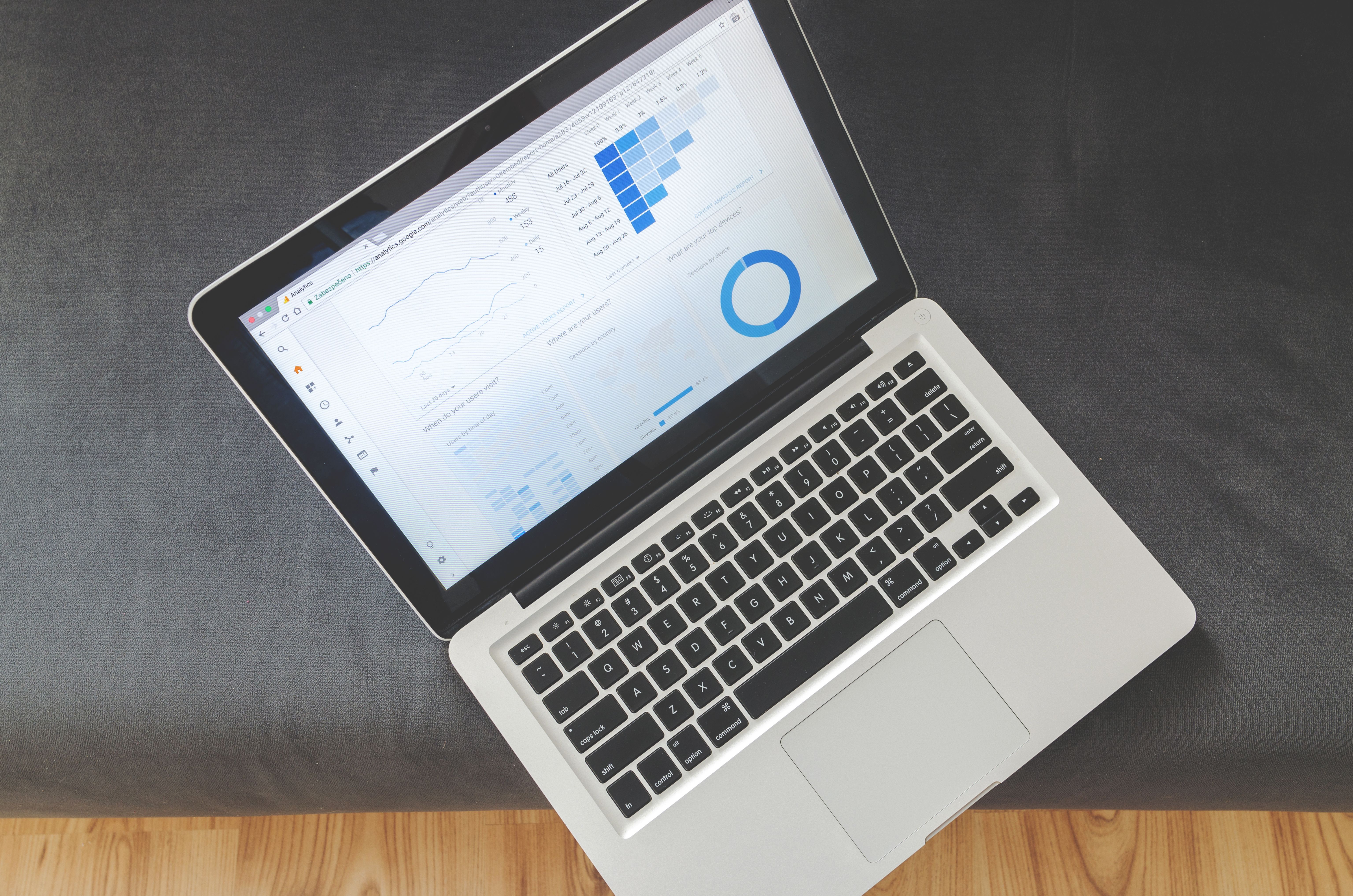
Not every failure originates inside your store. Shopify itself, payment providers, shipping apps, review widgets, subscription tools, and analytics scripts can all degrade or fail in ways that affect your storefront. During peak traffic, these dependencies are stressed too.
What to Watch
Shopify platform status and incident reports
Third-party app behavior, especially apps tied to checkout, cart, or discounts
Broken links across your site and within campaign assets
404s on retired collection pages or expired campaign URLs
Broken-link tracking is particularly important before a campaign. A single broken link in an email blast or paid ad can silently route thousands of shoppers to a 404 page. Running a scheduled broken-link scan in the days leading up to launch helps catch these issues before they cost you traffic.
Have a Plan for When Something Does Break
Even with strong preparation, issues happen. The difference between a minor blip and a costly outage is how quickly you detect, diagnose, and fix the problem.
Detection
You need to know about failures within minutes, not hours. Automated monitoring of test flows means you're alerted the moment a critical journey stops working — not when a customer happens to email support.
Diagnosis
When a test fails, the next question is why. AI-assisted failure diagnosis can dramatically shorten investigation time by explaining what broke and where to look. For merchants without a dedicated technical team, this is the difference between fixing an issue in 15 minutes and losing a day to debugging.
Repair
Some issues require a developer. Others — like a test that broke because a theme element was renamed — can be resolved through an AutoFix workflow that updates the test and re-verifies the flow. The goal is to spend less time on test maintenance and more time on the campaign itself.
Build a Pre-Launch Checklist You Actually Use
A short, repeatable checklist is more valuable than a 50-item spreadsheet nobody finishes. Here's a practical version:
Verify checkout end-to-end on desktop and mobile, with and without discount codes
Test critical journeys from each major traffic source (email, paid social, organic)
Run a broken-link scan across the storefront and campaign landing pages
Audit recently installed or updated apps for checkout or cart impact
Confirm monitoring is active for checkout, search, cart, and navigation
Document a fast escalation path for the team during the campaign window
Protect Revenue Before, During, and After the Spike
Campaign readiness isn't a one-time event. It's the ongoing practice of catching issues before customers do — especially during the high-stakes moments when every conversion counts. The merchants who weather peak traffic best aren't the ones who hope nothing breaks. They're the ones with continuous verification in place so they know, in real time, that their store is still working.
If you want to protect your checkout, cart, and critical journeys ahead of your next big campaign, Shoptest can help you put proactive monitoring in place. Automated test flows, broken-link tracking, app monitoring, and AI-assisted diagnosis give you the operational confidence to launch — and scale — without holding your breath. Learn more about Shoptest and start protecting the journeys that drive your revenue.